The Complete Guide to Construction Project Management Software in 2026
Choosing the right construction project management software is one of the highest-leverage decisions a contractor makes. The right platform saves 10+ hours a week, cuts billing errors, and keeps every project on track. The wrong one collects dust after the first month and becomes an expensive line item. This guide breaks down what to look for and how the top platforms in 2026 compare.
What to Look For in Construction PM Software
Before comparing specific tools, nail down what actually matters for your business. According to a 2025 survey by the AGC, the top reasons contractors abandon software are: too complex (42%), does not match their workflow (31%), and too expensive (27%). So the ideal platform is one that is simple enough to use daily, flexible enough to fit your process, and priced for your size.
Must-Have Features
- Estimating and scope management — create, edit, and send bids from one place.
- Scheduling — Gantt or calendar view with dependencies and notifications.
- Financial tracking — budgets, invoicing, progress billing, and margin reporting.
- Client portal — selections, approvals, messaging, and online payments.
- Document management — plans, contracts, permits, and photos in one place.
- Mobile app — your crew works in the field, not at a desk.
- Subcontractor coordination — task assignment, communication, and time tracking.
Nice-to-Have Features
- AI-powered estimating (voice-to-scope, blueprint takeoffs)
- Integrated CRM for leads and proposals
- Time tracking with GPS
- QuickBooks / Xero integration
- White-labeled client experience
Top Construction PM Platforms Compared
| Platform | Best For | Starting Price | AI Estimating | Client Portal | Mobile App |
|---|---|---|---|---|---|
| Procore | Large commercial GCs ($5M+ revenue) | Custom pricing (typically $10K+/yr) | Limited | Basic | Yes |
| Buildertrend | Residential builders (mid-size) | $499/mo | No | Yes | Yes |
| CoConstruct | Custom home builders | $449/mo | No | Yes | Yes |
| BuiltUp | Small to mid-size contractors & GCs | Free plan available; Pro from $49/mo | Yes (voice-to-scope, blueprints) | Yes (branded) | Yes (iOS & Android) |
Platform-by-Platform Breakdown
Procore
Procore is the 800-pound gorilla. It is built for large commercial operations and excels at RFIs, submittals, and multi-stakeholder project coordination. If you are running $5M+ in annual revenue on commercial projects, Procore offers enterprise-grade tools that no other platform matches. The downside: pricing is opaque and high, the learning curve is steep, and it is overkill for residential or small commercial work. Most GCs under $2M in revenue find it too expensive and too complex for their needs.
Buildertrend
Buildertrend has been a strong player in residential construction for years. It covers scheduling, financials, client communication, and selections. The interface is functional but can feel cluttered for smaller teams. Pricing starts at $499/month, which makes it a serious commitment for a company doing 10–20 projects per year. It lacks AI estimating and modern voice-to-scope features, so estimating still happens largely in spreadsheets or separate tools.
CoConstruct
CoConstruct (now part of the Buildertrend family after their 2023 merger) focuses on custom home builders. Its strength is the selection and specification process — it handles complex finish schedules well. It integrates with QuickBooks and Xero. The merger has led to some feature overlap with Buildertrend, and the product roadmap has been uncertain as the two platforms consolidate. Pricing is similar to Buildertrend.
BuiltUp
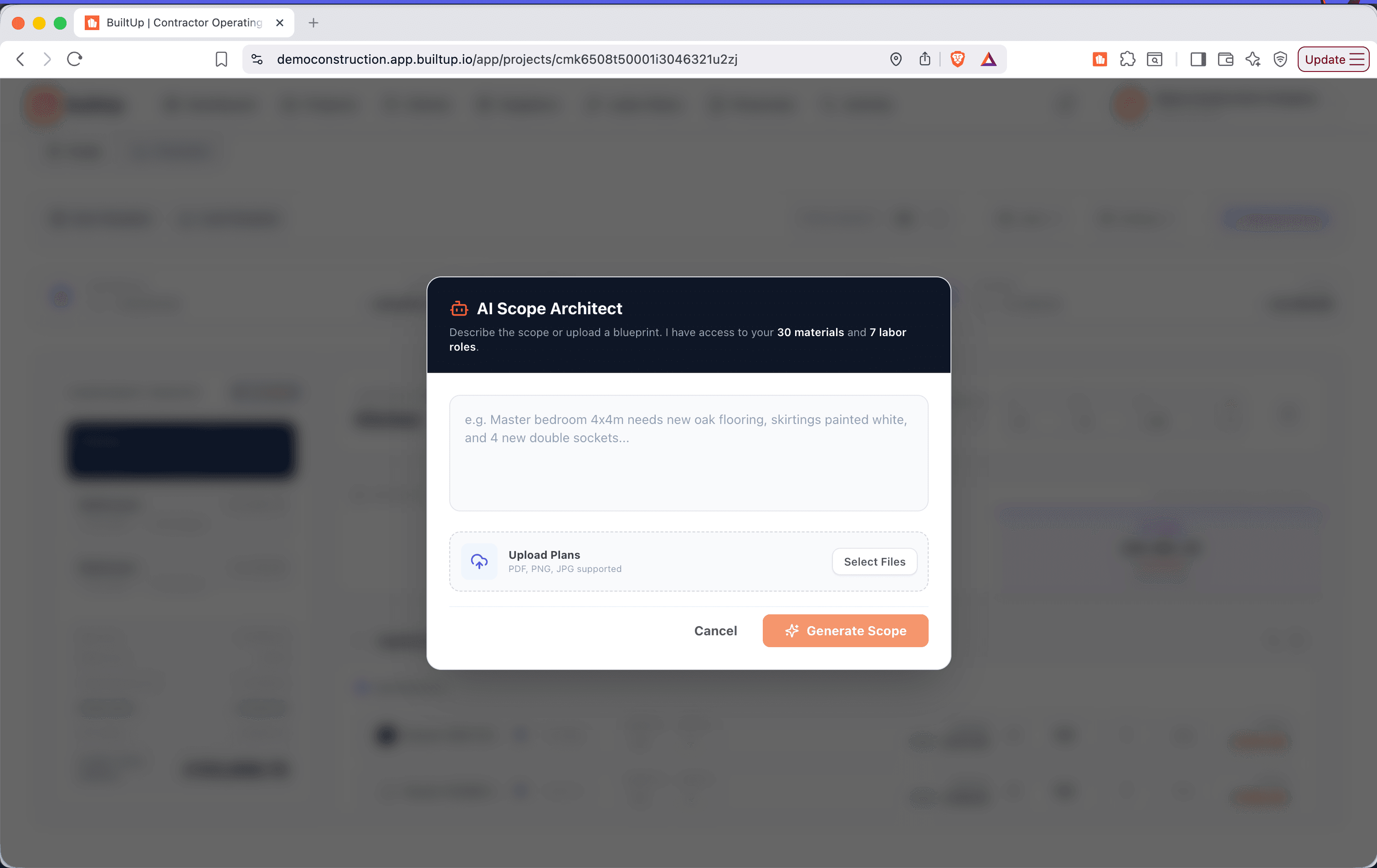
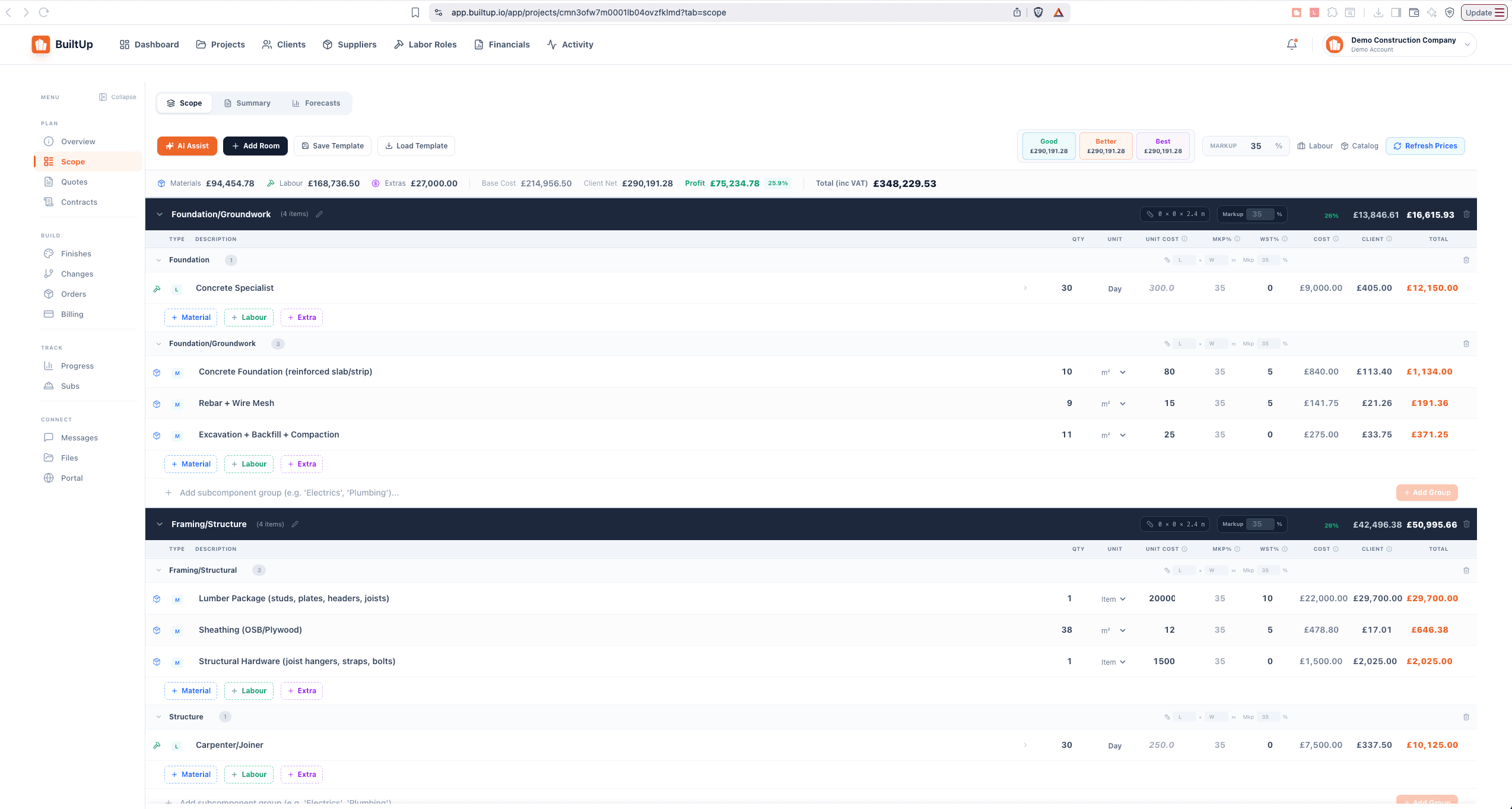
BuiltUp is the newest entrant, built from scratch for the way contractors work today. Its standout feature is AI-powered estimating: voice dictation creates structured scopes, blueprint upload generates takeoffs, and pricing updates in real time. The client portal is branded to your company. Scheduling, invoicing (with Stripe), subcontractor management, and time tracking are all included. The free plan makes it accessible for one-person shops, while the Pro plan at $49/month gives full access to AI tools and unlimited projects. The trade-off: it is a younger platform, so its ecosystem of third-party integrations is still growing.
Pricing Comparison
| Platform | Annual Cost (typical) | Free Trial | Free Plan | Contract Required |
|---|---|---|---|---|
| Procore | $10,000–$50,000+ | Demo only | No | Yes (annual) |
| Buildertrend | $5,988–$11,988 | Yes | No | Monthly |
| CoConstruct | $5,388–$10,788 | Yes | No | Monthly |
| BuiltUp | $0–$3,588 | Yes | Yes | No |
Who Each Platform Is Best For
- Procore — You run a commercial GC doing $5M+ per year, manage multiple project managers, and need enterprise compliance, RFIs, and submittals. Budget for software is not a concern.
- Buildertrend — You are a mid-size residential builder (10–30 projects/year) with a dedicated office admin, and you want a proven platform with a large user community.
- CoConstruct — You specialize in custom homes with complex selections and specifications. You are already in the Buildertrend ecosystem or want deep QuickBooks integration.
- BuiltUp — You are a solo contractor, small GC, or growing team that wants AI estimating, a branded client portal, and a modern mobile-first experience — without a $500/month commitment.
"We tried Buildertrend for a year. It was solid, but we were paying $500/month and only using half the features. Switched to BuiltUp, got AI estimating on top, and we're paying $99/month. No brainer."
Frequently Asked Questions
Can I switch platforms without losing my data?
Most platforms offer data export (CSV, PDF). The real challenge is re-entering active projects. Plan to switch between projects, not mid-project. Export your client list, project templates, and financial records. The NAHB technology committee recommends building a transition plan with at least 30 days of overlap.
Do I really need software, or is a spreadsheet fine?
If you are doing 1–3 small projects per year and billing under $200K annually, a spreadsheet can work. Beyond that, the time lost to manual invoicing, scheduling conflicts, and client miscommunication costs more than any software subscription. The break-even point is surprisingly low.
What about all-in-one vs. best-of-breed?
In construction, all-in-one wins for most small to mid-size firms. The overhead of managing 4–5 separate tools (estimating in one, scheduling in another, invoicing in a third) creates data gaps and duplication. A single platform where the estimate flows into the budget, the budget generates the invoices, and the invoices appear in the client portal eliminates those gaps.
The Bottom Line
There is no universally "best" construction PM software — only the best fit for your size, project type, and budget. Evaluate based on what you will actually use daily, not the longest feature list. Start a free trial, run a real project through it, and judge the result. The best software is the one your team uses every day without complaining.